Featured

welcome (Sticky)

Welcome to the ToasterBotnet ShitPostBlog
Shitposting is Art
top tier ironic nonsense and the occasional educational content
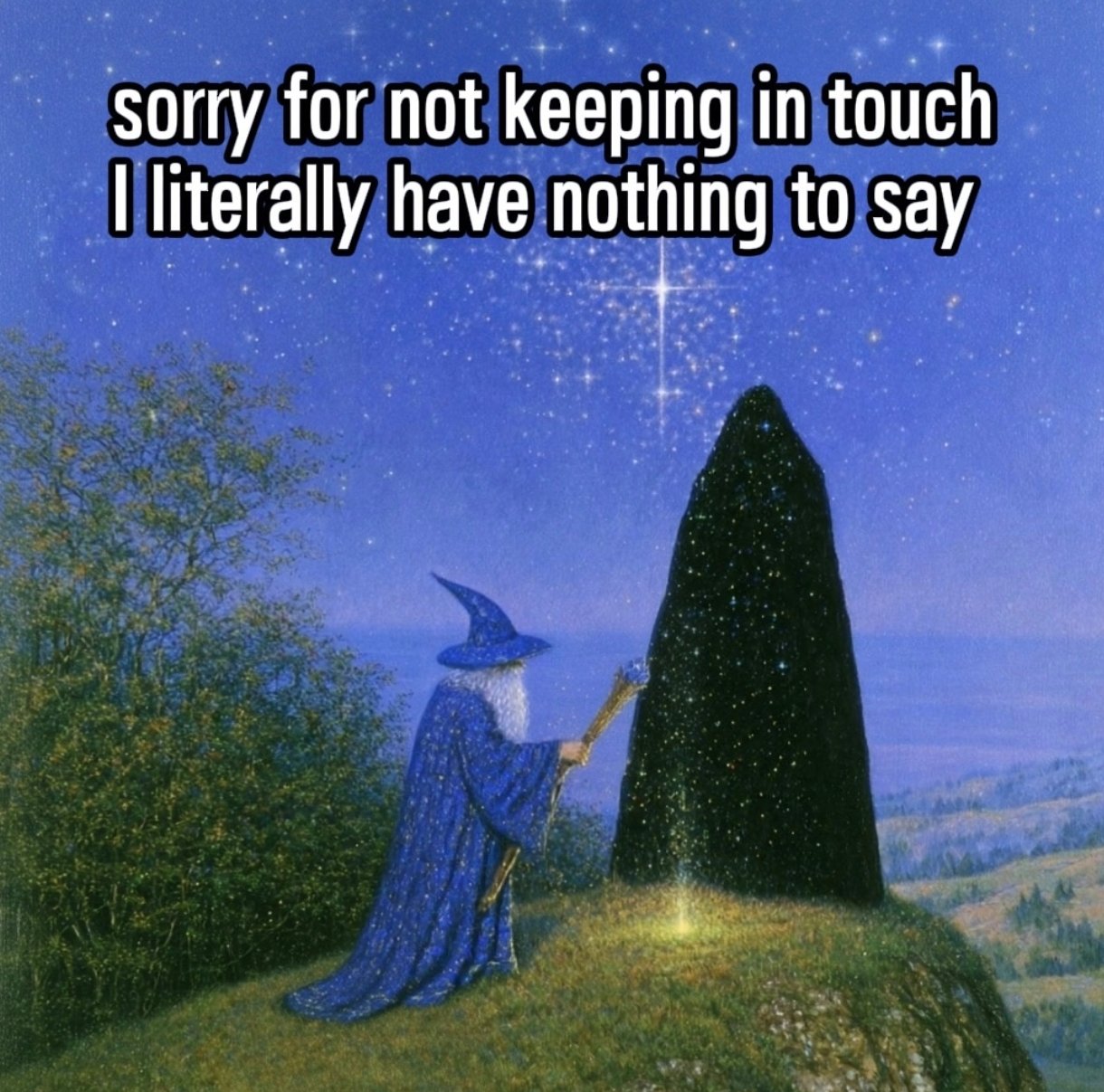
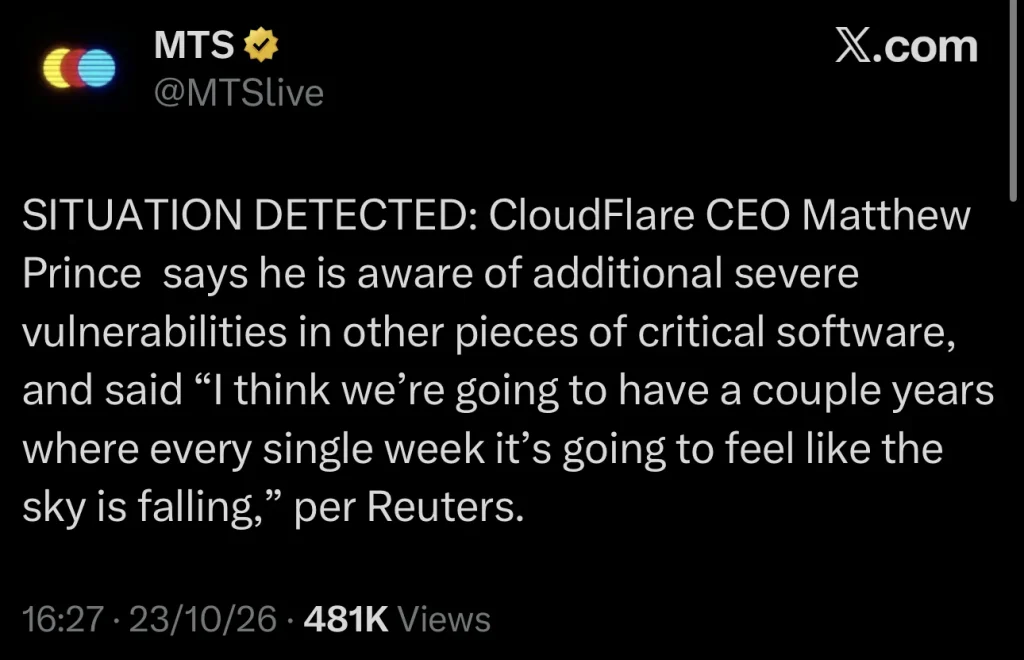
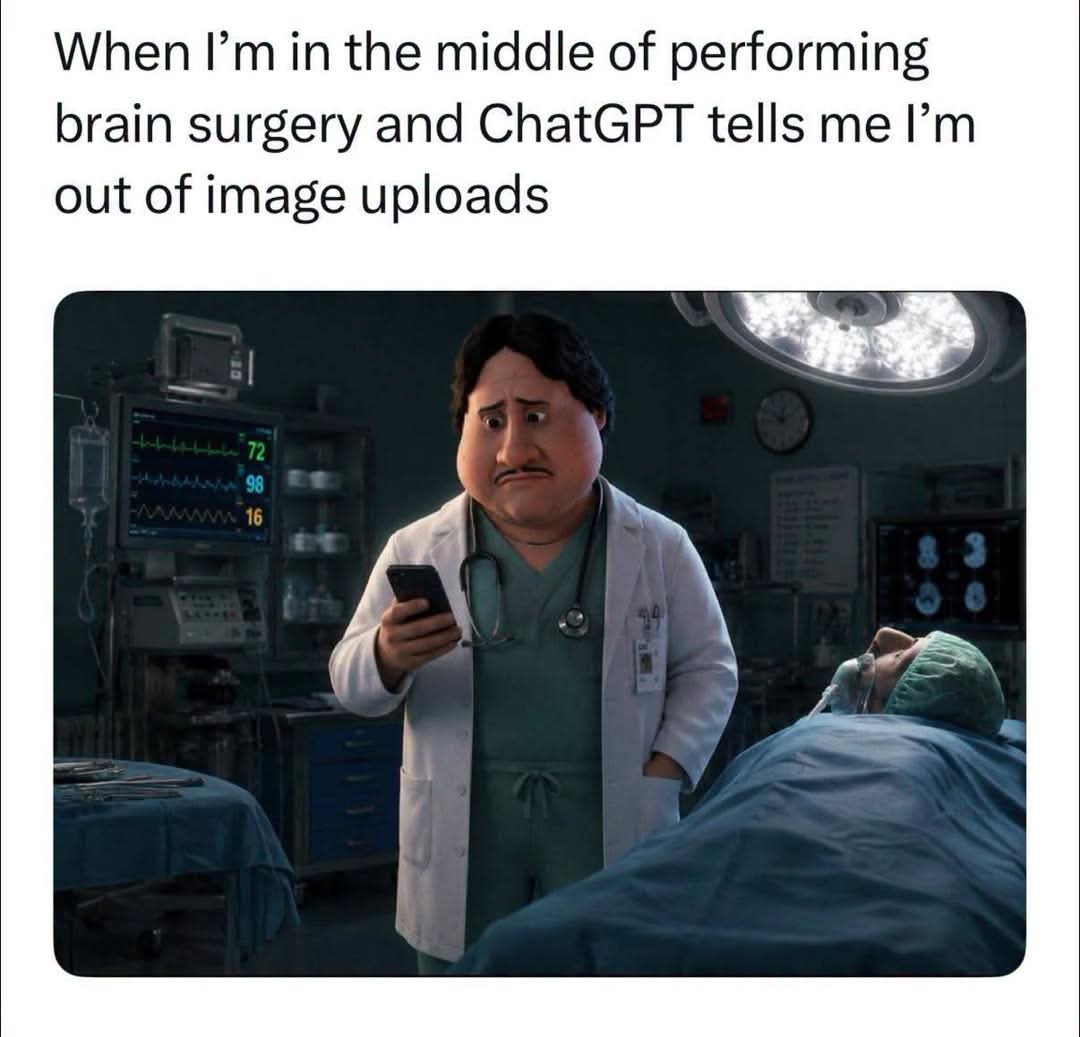
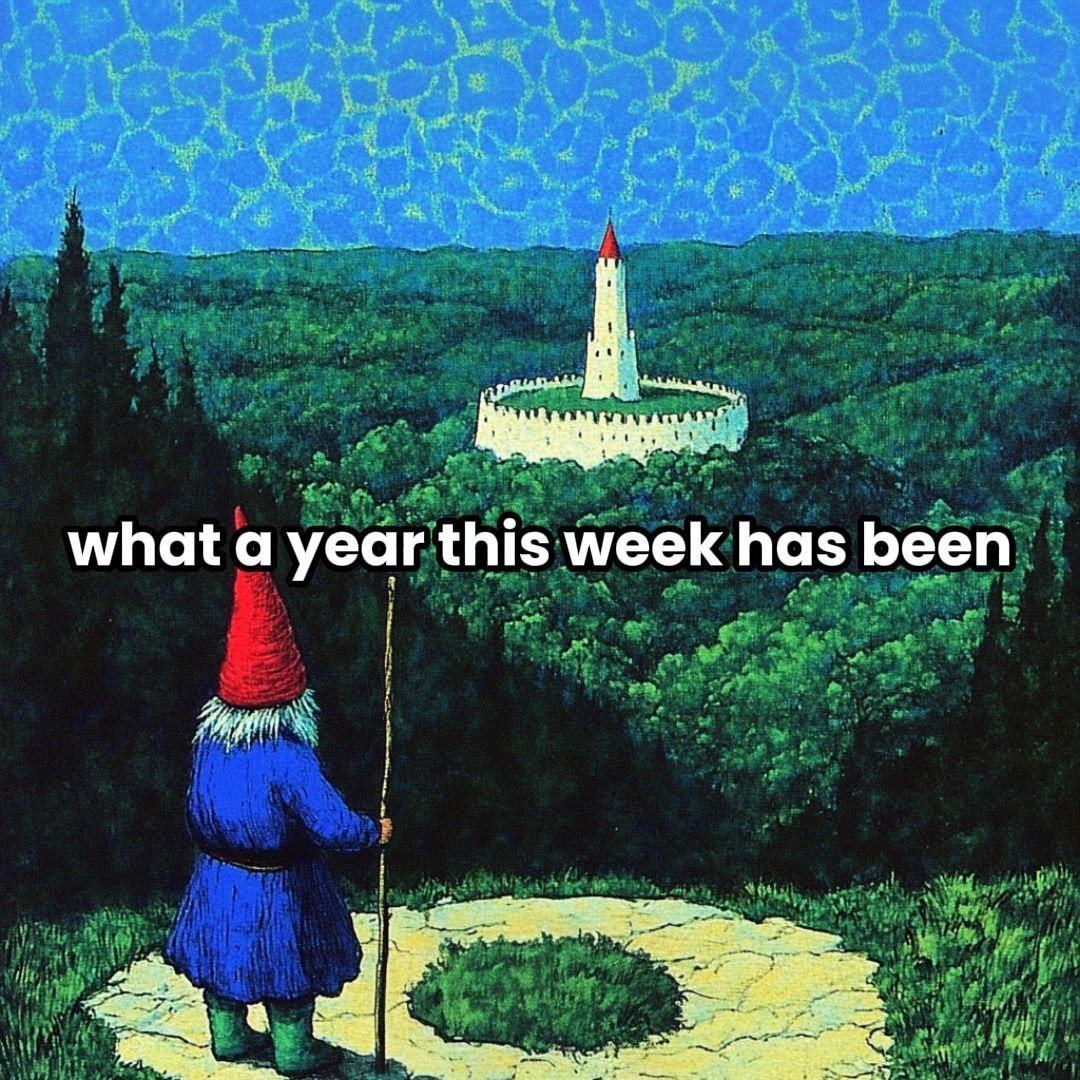
This is the unhinged part of me reposting and remixing stuff I find all over the web to celebrate internet culture and to have a laugh.
Memes belong to the internet. Credits given where traceable.
This site exists to archive and celebrate the absurd beauty of online culture.
Enjoy The Scroll. You can Hit the Shuffle Button on the left to get random posts. Or check page index to navigate. This Site is part of the ToasterVerse.
I treated a hobby creator project like a One-Man SaaS startup and it was super fun and still is.

I’m running a YouTube channel and social media persona as a one-person media startup.
The absurd part: I built the infrastructure first, and the audience never really showed up (yet).
I currently have ~170 subscribers. The stack looks like something meant for 100,000.

What I built anyway:

  • Multiple Self-hosted websites ( Landing Page, Creator Hub, Meme Blog, Merch Shop )
  • Automated meme + content pipelines
  • Social media auto-posting infrastructure
  • Ad tracking + funnel prep
  • SEO, analytics, search indexing
  • structured workflows
  • Video production automation (ffmpeg pipelines, overlays, batch processing)

Most creators scale tools after growth.
I did it backwards:
I treated this like a startup from day one and built for scale with basically no demand.
That sounds irrational. It probably is. But it was a lot of fun.

The Youtube Automation Pipeline:

I built a Youtube Automation Pipeline with shell scripts and python scripts,
which is all baked into my Linux ZSH environment.

Basically my Linux machine is a Youtube Creator Environment now.
It’s super bad code, it’s extremely personalized stuff and I can’t publish it on github or people will laugh.
But I will tell you what I did maybe some people will get some inspiration what’s possible.

But here’s the breakdown of the workflow:

  1. Starting a new video

I run a shell command that initialized the next video,
It opens a META Data File in vim and I fill out stuff like
title, video number, playlist and some other variables.

then it immediatly populates my environment with templates and directories
for the new video.

- Photoshop Thumbnail templates
- Promo material templates
- Several other graphic assets I need
- a text file with keywords
- a text file with hashtags
- a text file with the video description
- a text file with SEO optimized text that describes the video
- Directories for everything I need: Raw Video, Rendered Files, Graphics, Sounds, Effects, etc
- A bunch of symlinks that all point directly to the assets for fast access and reduced friction in the workflow
- a Whatsapp bot sends me information about the new project
- a status on top of my linux terminal always shows me at which step of the pipeline I am
  1. Filming the video
    • After I filmed my video I plug in my SD card and run a command which copies the files over
      ( When I film the intro I always press pause and record again so the pre-intro will be a seperate file )
    • A cronjob at night checks the directory if it finds files in there it starts the pre-edit phase
    • then the automation creates an automatic backup and starts working on the video files
  2. PRE-EDIT
    • Pre-Edit runs at night so it does not make my Workstation slow during the day
    • first it converts dual-mono into stereo ( just in case I messed up mic settings again )
    • Then it forces CFR and conforms the file for editing so all video files have the same specs
    • Then it removes all silences ( I do talking videos – so longer silences are mostly footage I don’t need )
    • Then a script checks for audio peaks in the file
      • I can cahnge variables for how many peaks per minute and the peak threshold if it needs adjustment
      • the timestamps for the peaks get written into a text file
    • then a script takes the timestamps of the peaks and adds crash zooms and slowly zooms back in
    • then drops some stuff like RTMD Streams of the file
    • then it adds a corner logo and watermark
    • the video file is really only re-encoded once to avoid quality loss
    • This will be done to every file in the directory
    • After that all the files will be merged
    • Pre-Intro -> Intro -> Video Footage -> Outro
    • Then it will create a proxy file, copies everything and symlinks stuff for me
    • Whatsapp Bot notfies me if the pre-edit worked or failed
  3. Editing
    • Now comes the manual labour
  4. POST-EDIT
    • Post-Edit works the same as Pre-Edit
    • Files in directory? go for it!
    • At this point this just upscales the video for upload
    • And then prepares all the assets and meta data
  5. Publishing
    • I run the publish command
    • Now some checks get executed if I haven’t forgot anything
    • Now a script collects everything from the environment and files
      • hashtags, keywords, thumbnail, playlist, video description, etc
    • Upload is done via the youtube API -> everything is automatically added
    • Video gets published on my blog and on my creator hub with SEO optimized text
    • Video gets published on all social media channels with hashtags
    • Again Whatsapp bot notfying me and giving me links and hashtags for manual posting

Everything is done with python, zsh scripts and a lot of ffmpeg.

I also have a meme blog where I automate my shitposts but that’s another story.

Even though I totally know that I am over-engineering this like a crazy nerd,
I will still continue to improve and iterate and add to it.

Because this is super fun and it makes work super low friction.
I can make videos faster and I am still improving and I have fun doing it,
because so much of the process is automated.

Anyway I though you might be interested.